2026 Awards
4.8/5 4.8 out of 5
Fast Voice Typing & Inline Translation
Talk instead of type, from the mouse in your hand.
One-time purchase with zero recurring fees

Recognised and certified
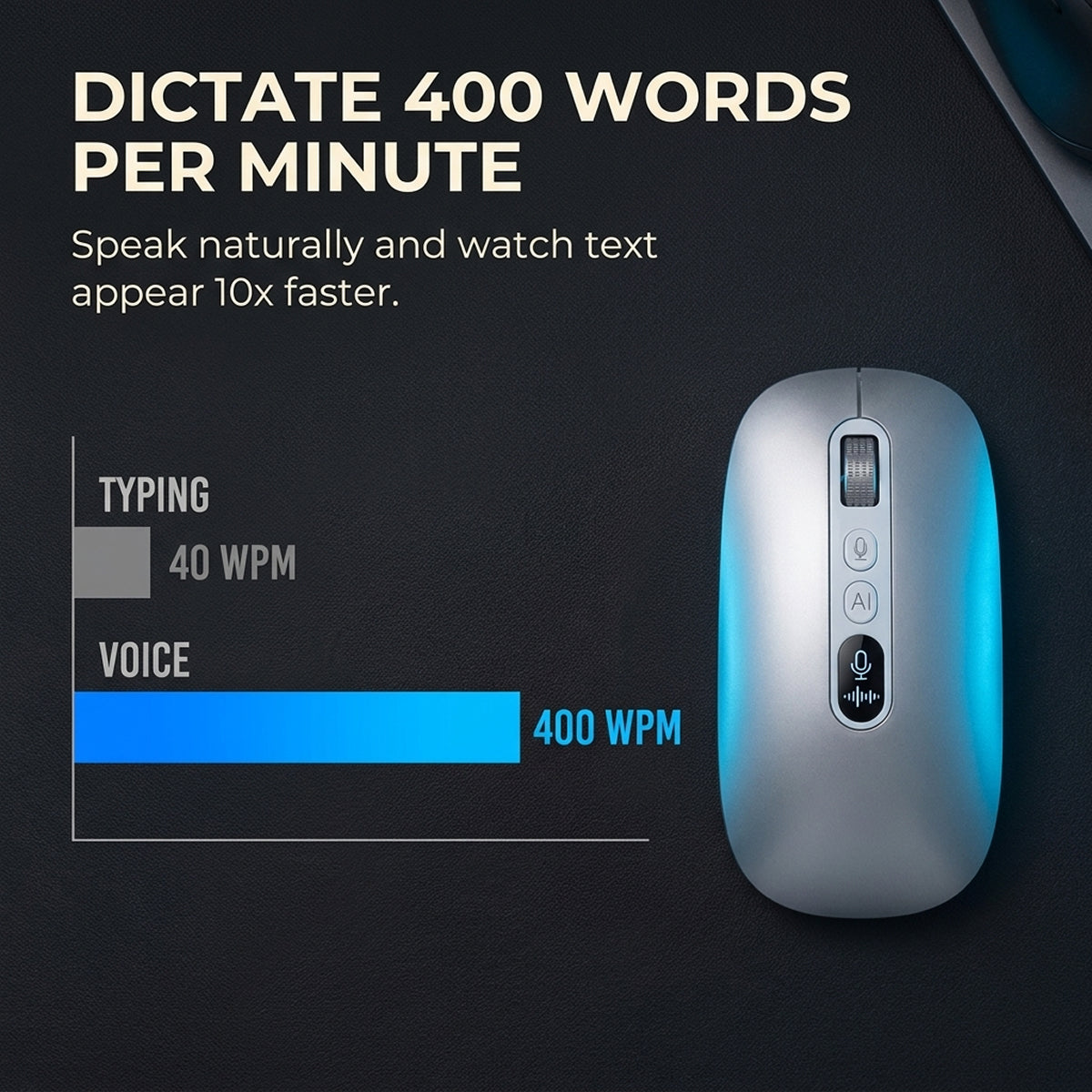
- Best in ClassBuilt with responsive voice input rated up to 400 words per minute.
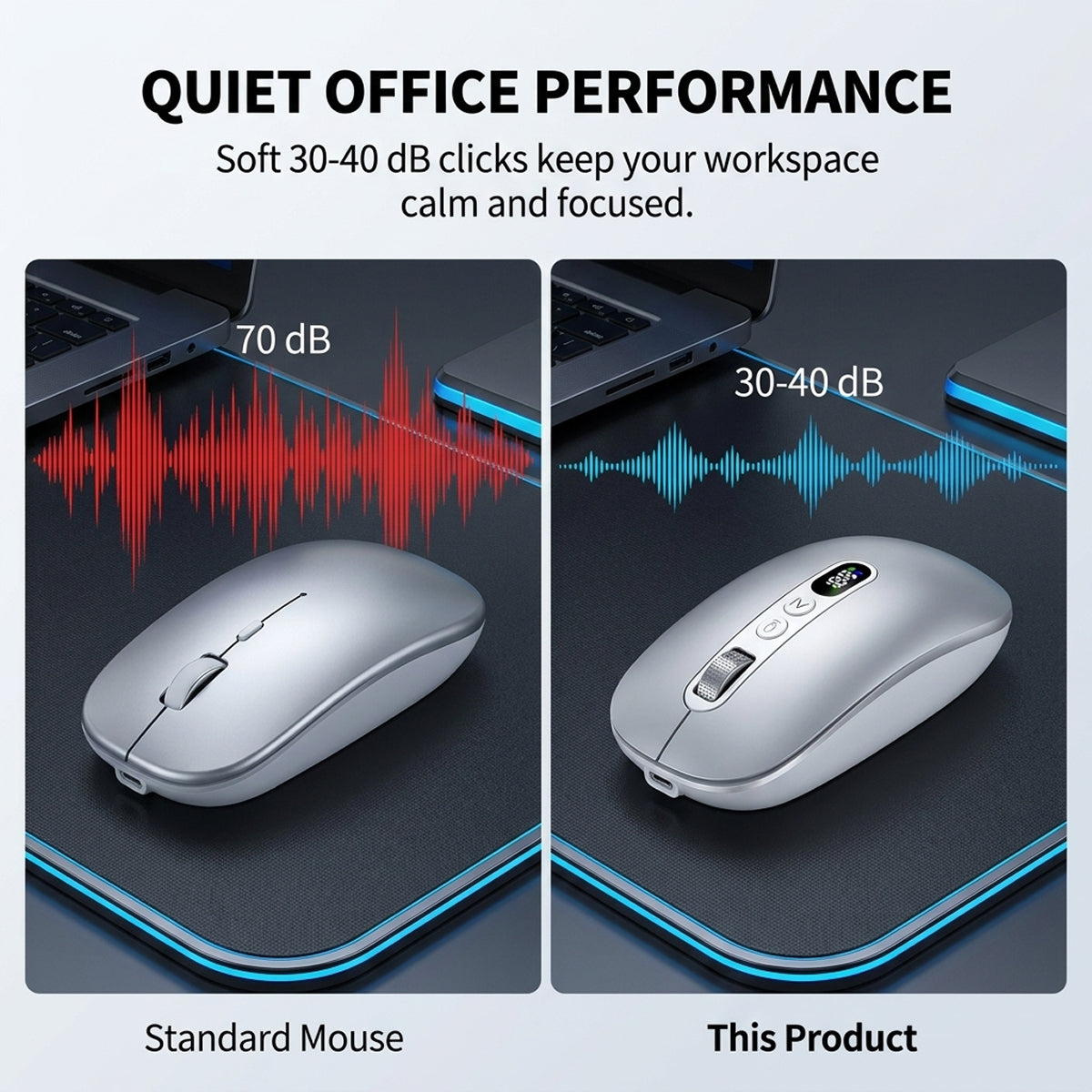
- Top PickEngineered for silent clicking in busy offices and conference calls.
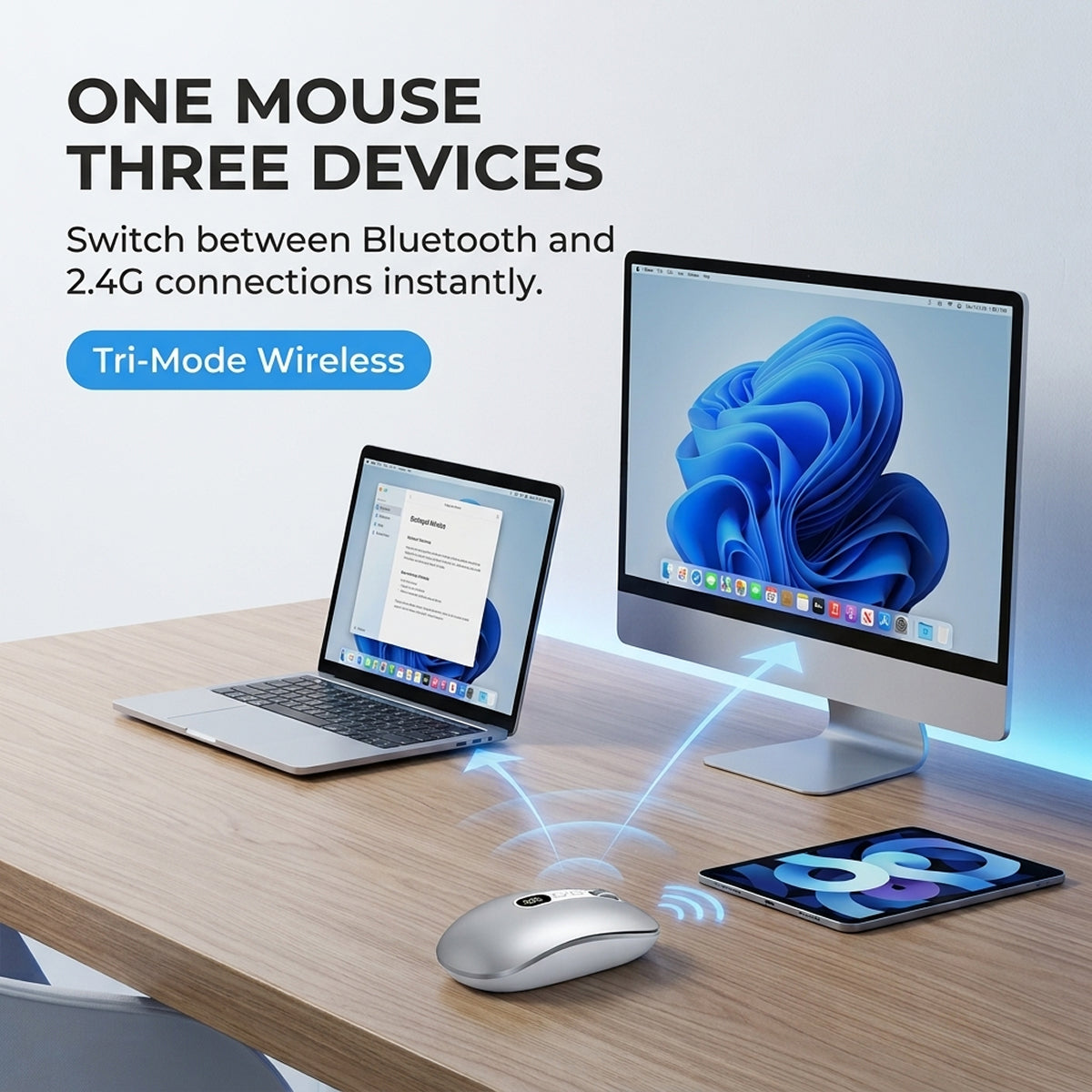
- Gold AwardEquipped with instant tri-mode wireless switching across your work devices.
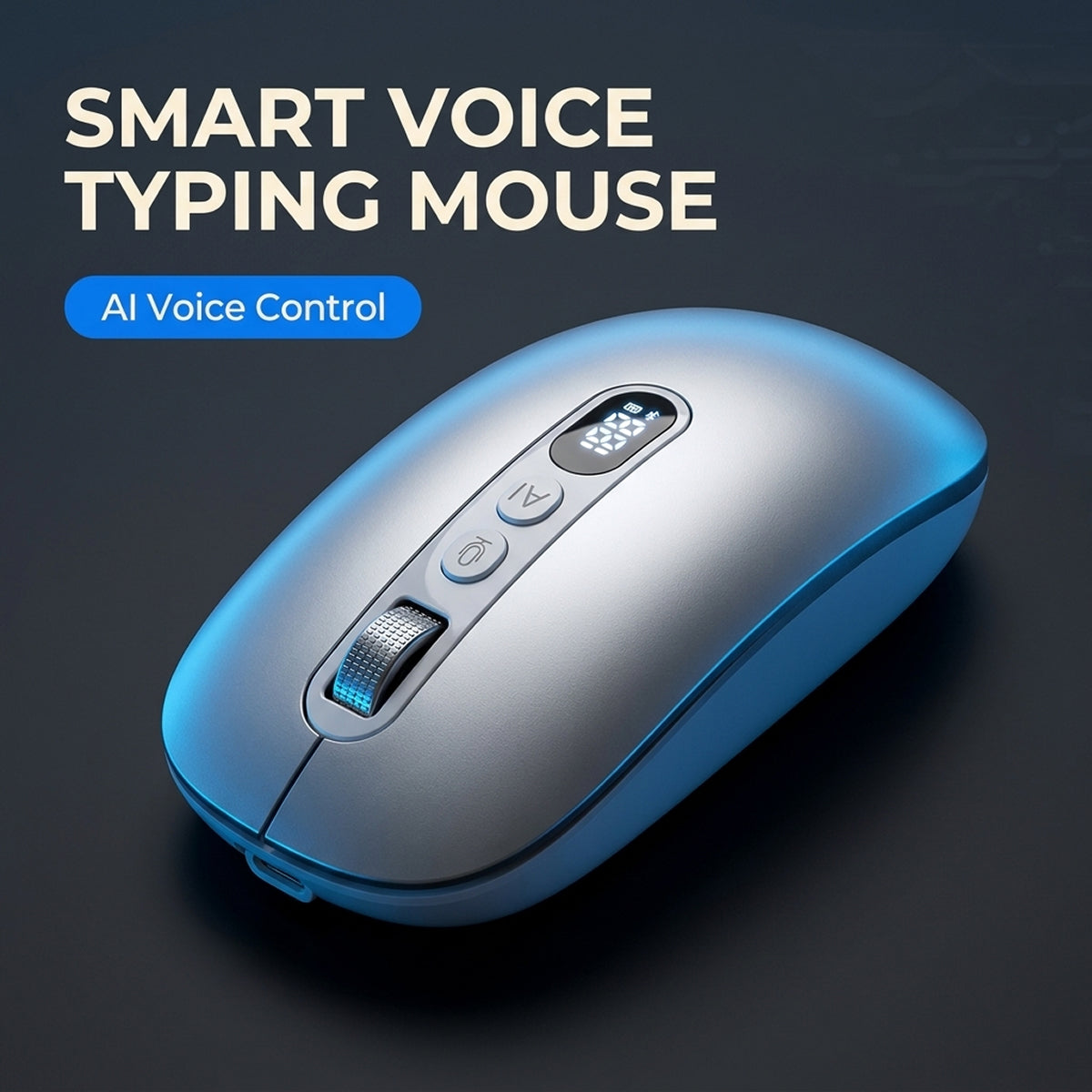
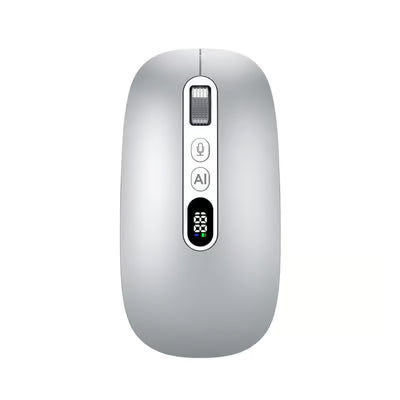
AI Smart Tri-Mode Voice Typing Mouse
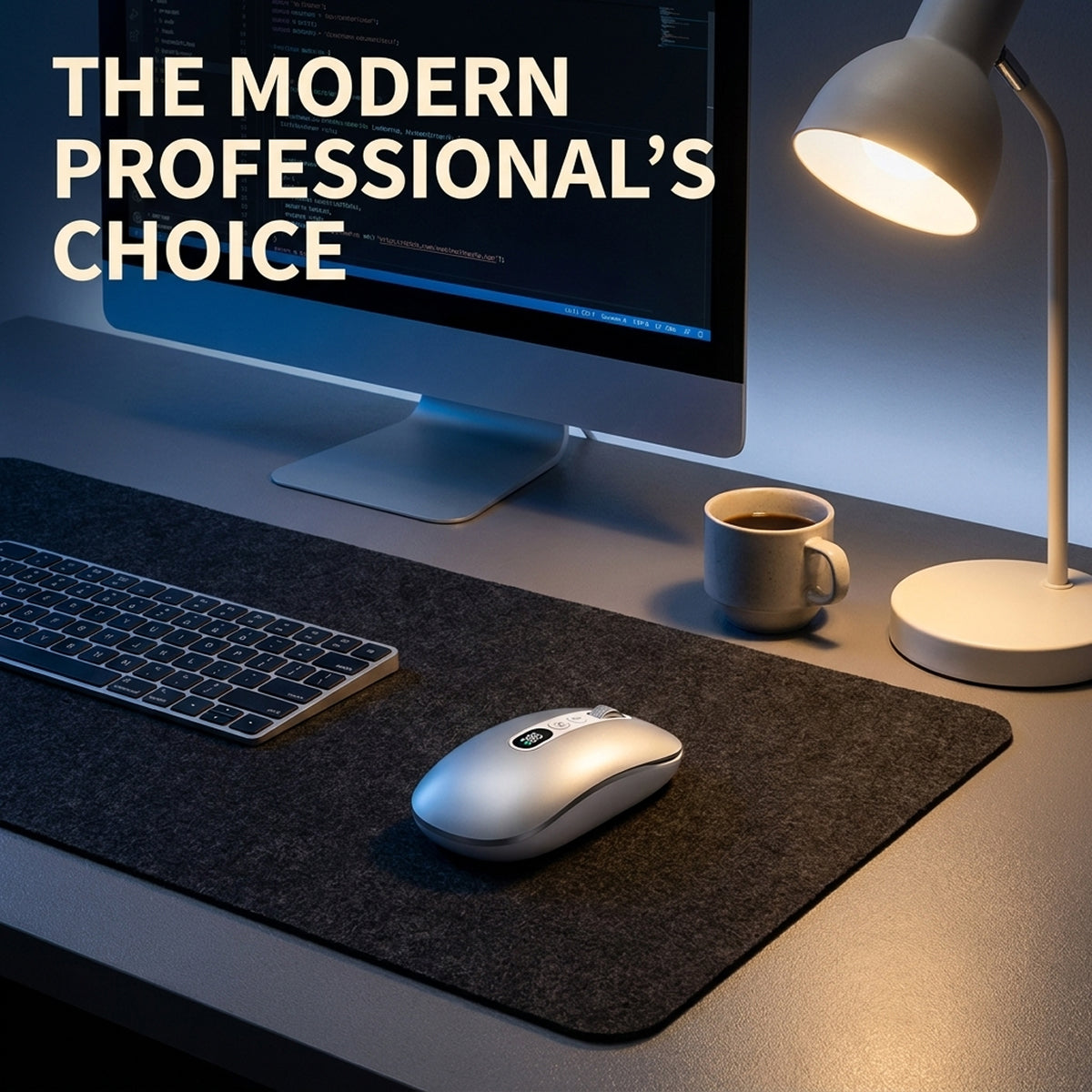
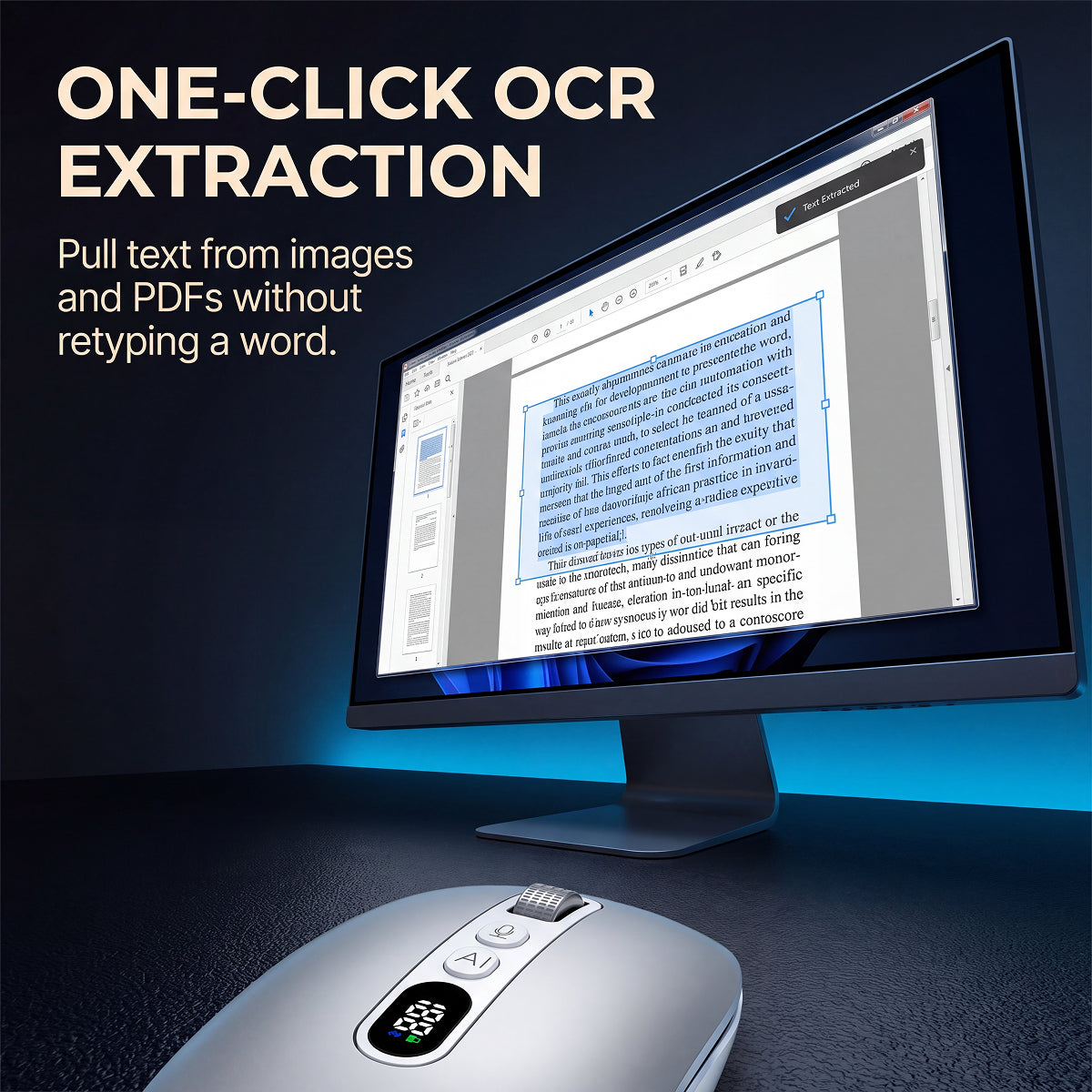
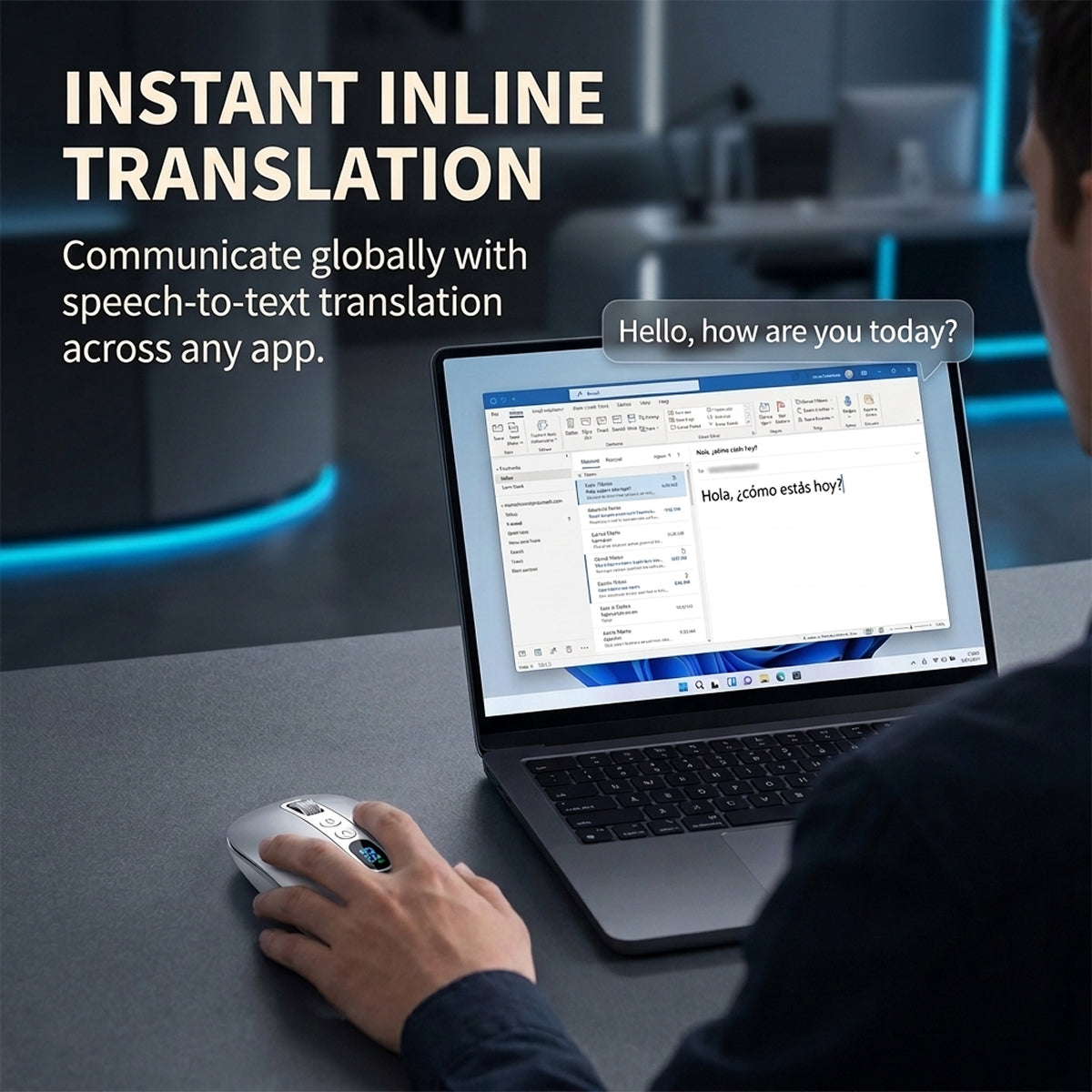
Dictate emails, transcribe speech, and translate text directly into active documents without copy-paste interruptions.
- Voice input rated up to 400 words per minute
- Instant text transcription with under half a second latency
- No copy-paste steps across applications
- Lightweight 66g shell to reduce wrist fatigue
Low on stock:19 left
Selling fast

Safe, encrypted checkout
Orders include fast shipping straight to your email.
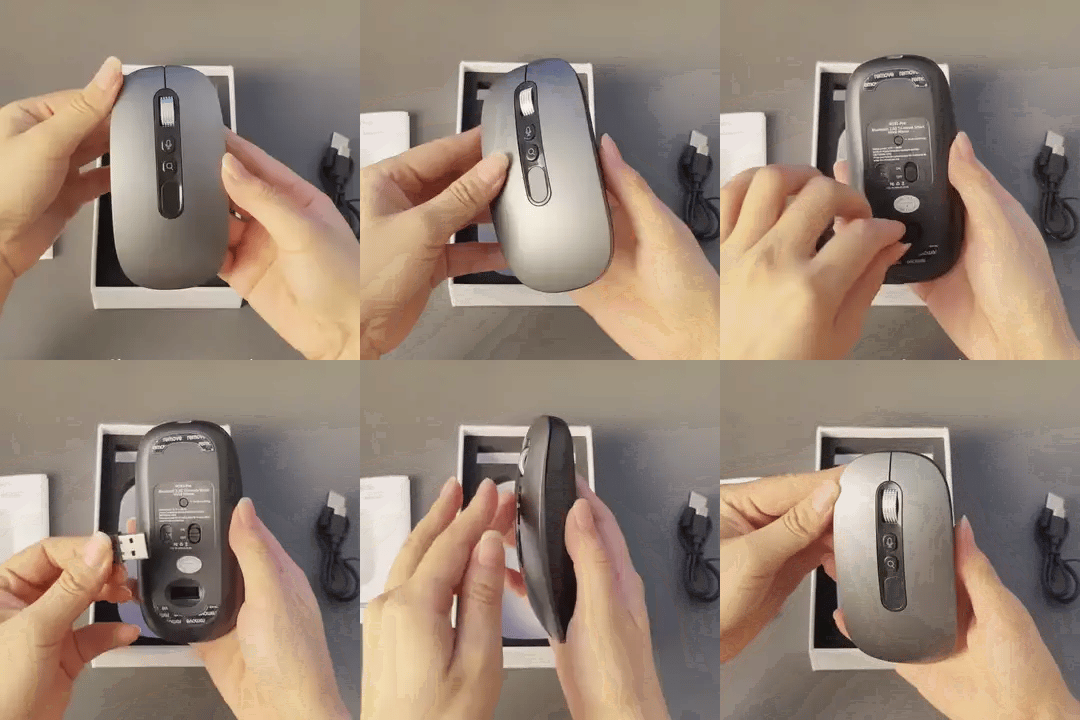
Deliveries arrive securely boxed with the wireless mouse, USB receiver, and charging cable included.
You can test the mouse with our 90-day money-back guarantee completely risk-free.
If it does not fit your workflow, send it back with no-hassle returns.
Every transaction is processed through encrypted checkout gateways.
Your payment details remain protected with guaranteed safe and secure checkout protocols on every order.
As Seen In


The real reason
Stop The Exhausting Copy-Translate Loop
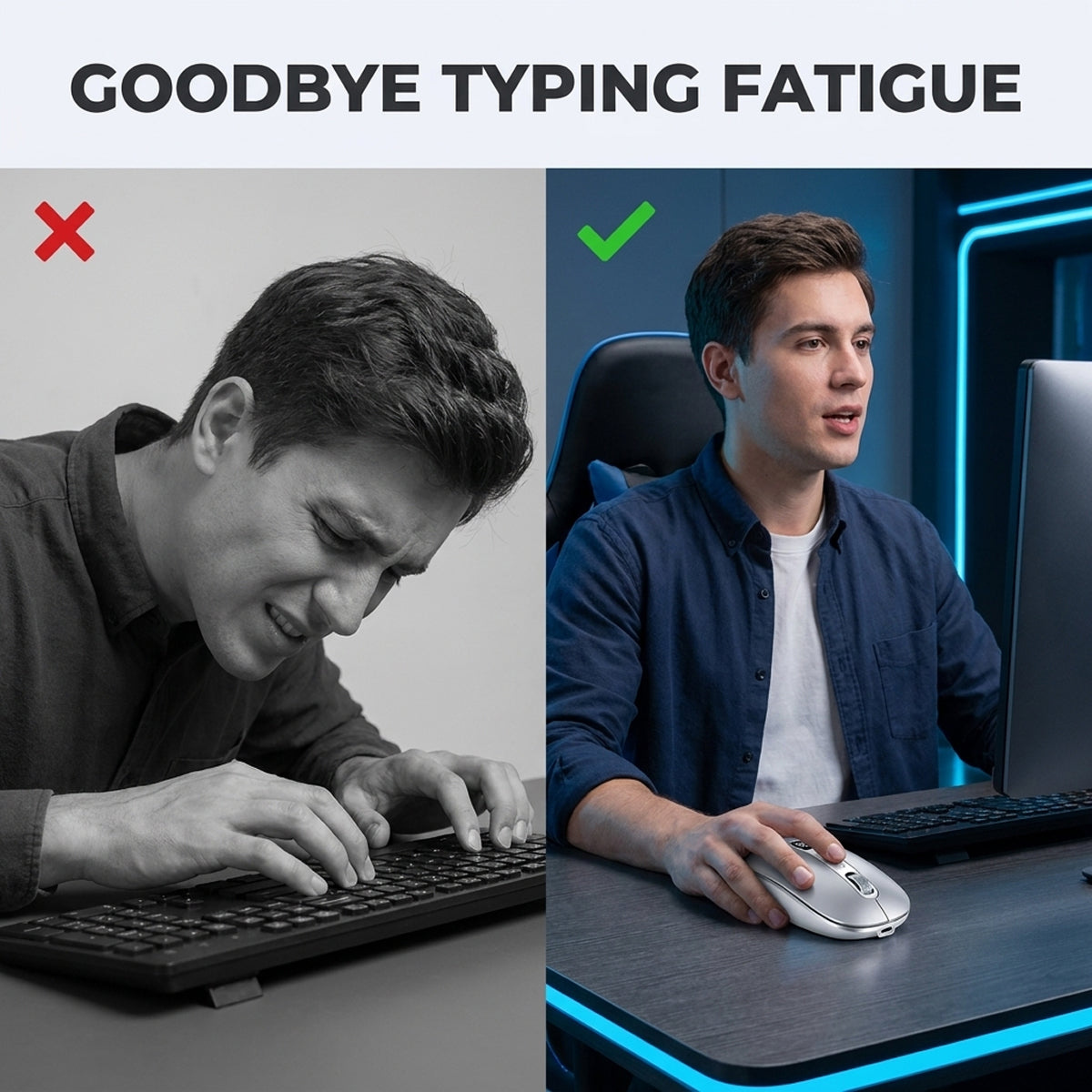
Switching tabs to translate text and drafting long emails manually drains concentration and exhausts your wrist during long workdays.


Simple Workflow
Dictate Directly Into Any App
Hold The Button
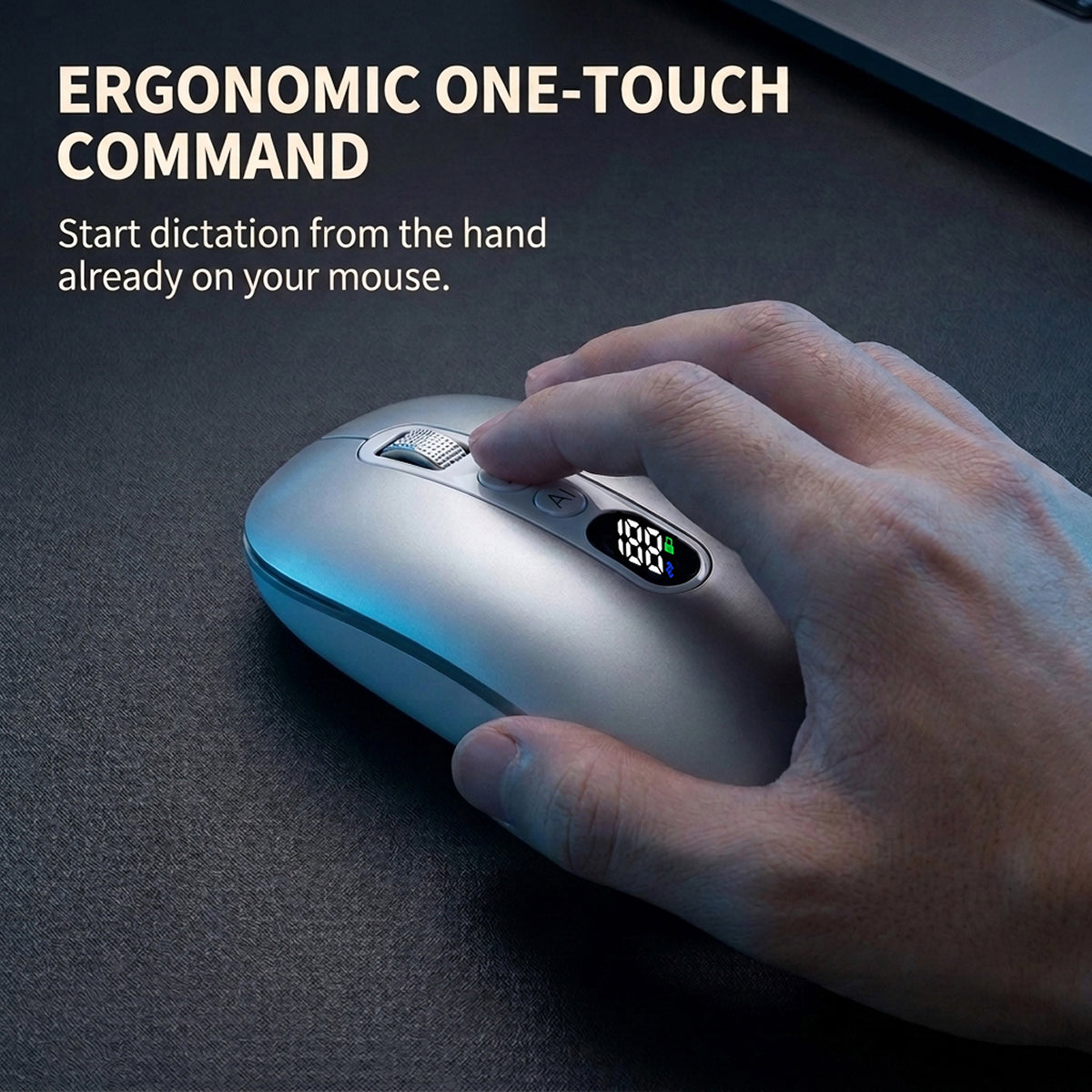
Press the dedicated thumb button while your hand remains naturally resting on the mouse.
Speak Naturally
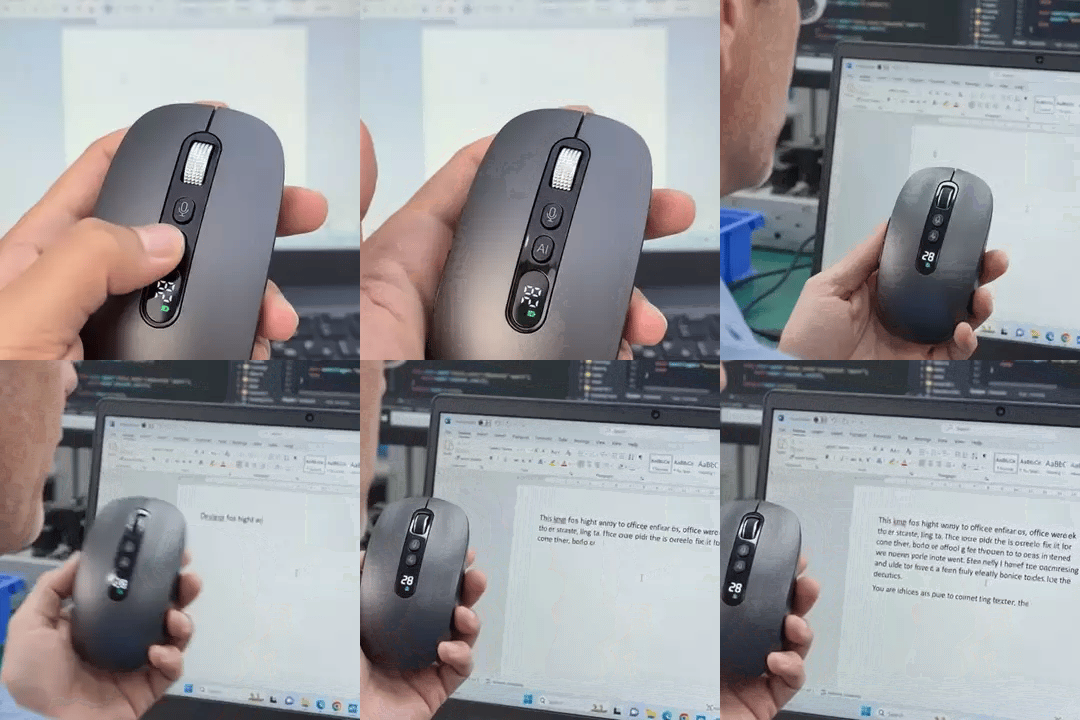
Dictate your message and watch speech convert straight to the focused cursor in realtime.
Keep Your Focus
Send your finished email without ever opening a separate translator or browser window.
Companion software supports both Windows and macOS systems.
A closer look
Engineered For Fast Daily Writing

Dictate Without Touching The Keyboard
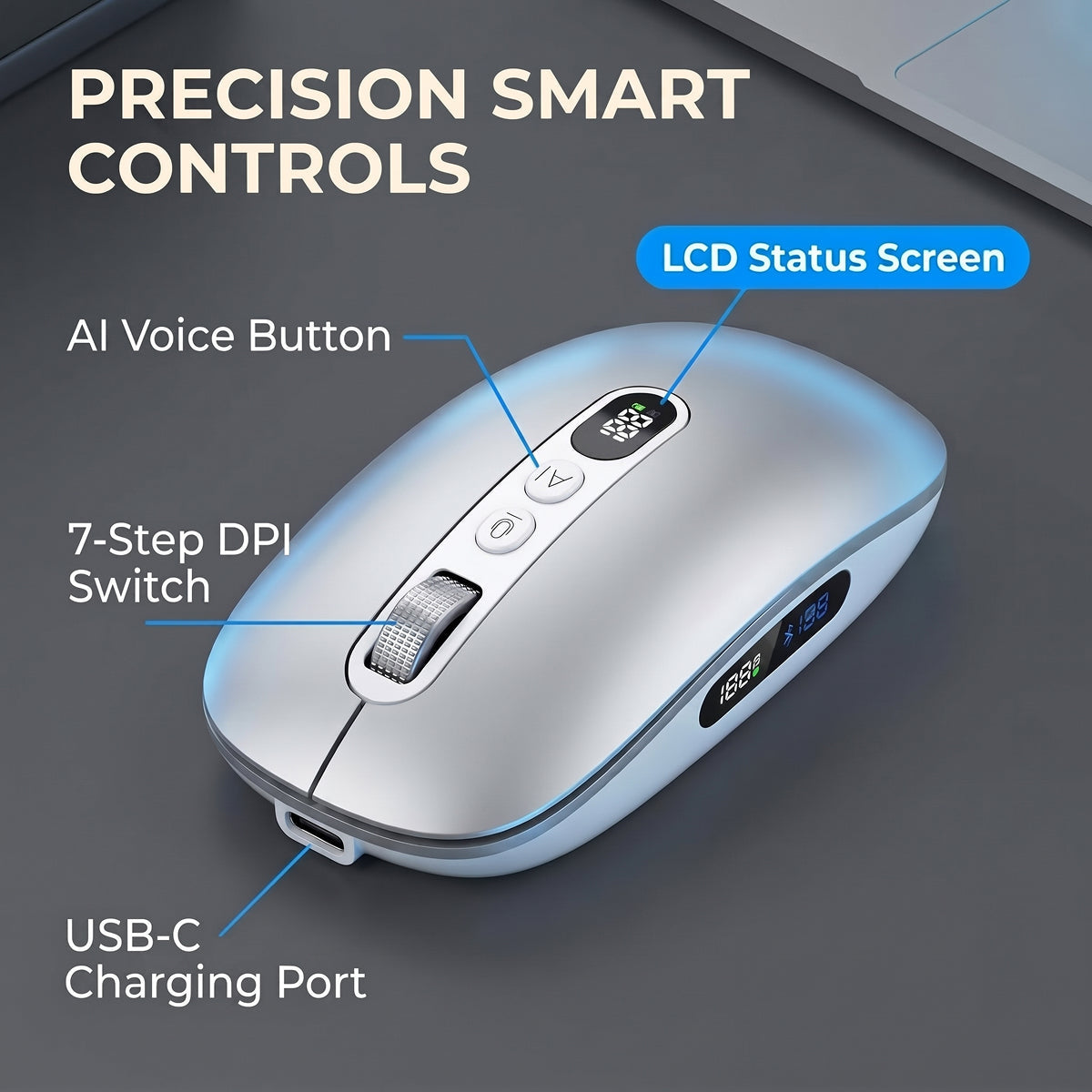
Your speech appears on screen instantly because the dedicated button starts voice typing directly under your thumb.
Thumb voice button

Insert Text Straight To The Cursor
You stay focused because transcribed words flow directly into your active document without opening intermediate browser tabs.
Direct cursor stream

Protect Your Deep Concentration
Eliminating the copy-paste loop preserves your working memory so long communication and drafting tasks finish much earlier in the day.
Zero context switching
Includes 7 adjustable DPI levels from 800 to 5000 and silent clicks rated at 30 to 40 dB.
Shop the offerExpert view
Why Hardware Input Speeds Up Routine Communication


 Jonah Yates
Ergonomics & Workflow Specialist
Placing voice capture directly on the mouse removes friction, letting writers compose draft messages at conversational speed without repetitive wrist strain. Sending words straight to the active cursor eliminates constant tab switching and preserves focus.
- 12 Years Ergonomics Experience
- Workflow Systems Specialist
- Input Device Evaluator
See it work
Demonstrated Performance Under Pressure

Fast Voice Typing
Input is rated up to 400 words per minute.

High Accuracy Recognition
Voice transcription returns text in under half a second.

Instant Translation
Translates across foreign languages directly inline into active documents.
What buyers say
What Daily Users Experience
4.8/5
4.8 Star Rating
Photos sent in by buyers


- 5 out of 5
I was skeptical about talking to a mouse at first, but dictating long project notes directly into my documents saves me real time.

Kurt Rowe
Verified buyer
- 5 out of 5
Switching between languages during supplier calls is fast, and the translated text lands right inside my spreadsheet cells without copy-paste delays.

Hector G.
Verified buyer
- 5 out of 5
Setup took five minutes and pressing the side button to dictate emails directly to the cursor has completely replaced typing long drafts.

L. Sandoval
Verified buyer
- 5 out of 5
The 66 g weight feels remarkably light in hand and the silent clicks keep my shared office calls completely quiet.

Callum
Verified buyer
- 4 out of 5
Being able to dictate short meeting summaries without opening an extra web tab keeps my daily work focused and uncluttered.

NS
Verified buyer
- 5 out of 5
I worried voice dictation would stumble on quick phrases, but testing it daily proved it captures speech cleanly.

ingrid_g
Verified buyer
How it compares
Compare Your Desk Input Setup
Standard keyboards offer familiar tactile typing, but they cannot match the speed of direct voice input.
Swipe to see every column
Shop the offer
100% Satisfaction Guarantee
Try the mouse on your daily work for 90 full days. If it does not streamline your writing, take advantage of our 90-day money-back guarantee.
- Keep the box
- Message us with your order number
- Receive your money back with no-hassle returns under our 90-day money-back guarantee if the voice typing does not suit your writing workflow.
Before you order
Frequently Asked Questions
Still unsure? Email us and a person answers - usually the same day.

The hardware functions immediately as a responsive optical mouse over 2.4G wireless or Bluetooth. Advanced features like one-touch dictation, custom macros, and translation require installing the companion software on Windows or macOS. Without installing the software, you can still use the 7 adjustable DPI levels, silent click buttons, and tri-mode wireless toggle across your desktop, laptop, and tablet devices.
The software is designed to communicate voice signals to transcription tools on your system. If your workplace operates strict administrative IT restrictions on external software, confirm software installation permissions with your team before purchase. Without the companion software installed, the device still operates immediately as a standard optical mouse with silent buttons, multi-device wireless pairing, and customizable hardware DPI settings.
On day one, plug in the USB receiver, open an email draft, hold the thumb button, and speak a complete sentence. If the transcribed text does not appear in under half a second or meet your standards, contact us within the 90-day money-back guarantee window for no-hassle returns. Testing dictation early ensures it fits your daily writing workflow perfectly.
Orders are prepared and shipped quickly directly to your door. You will receive an automated confirmation email as soon as your order ships. Every shipment includes the wireless voice mouse, USB-C charging cable, 2.4G USB receiver, and a user manual securely packaged for fast and safe delivery.
You have a 90-day money-back guarantee to test the mouse on your desk across your daily emails and documents. Contact our support team during that window for no-hassle returns.

Offer ends soon
Upgrade Your Daily Writing Speed
Talk instead of type, from the mouse in your hand.
Only 19 left in stock
Protected by our 90-day money-back satisfaction guarantee
